













Treat the second wallet as a separate setup
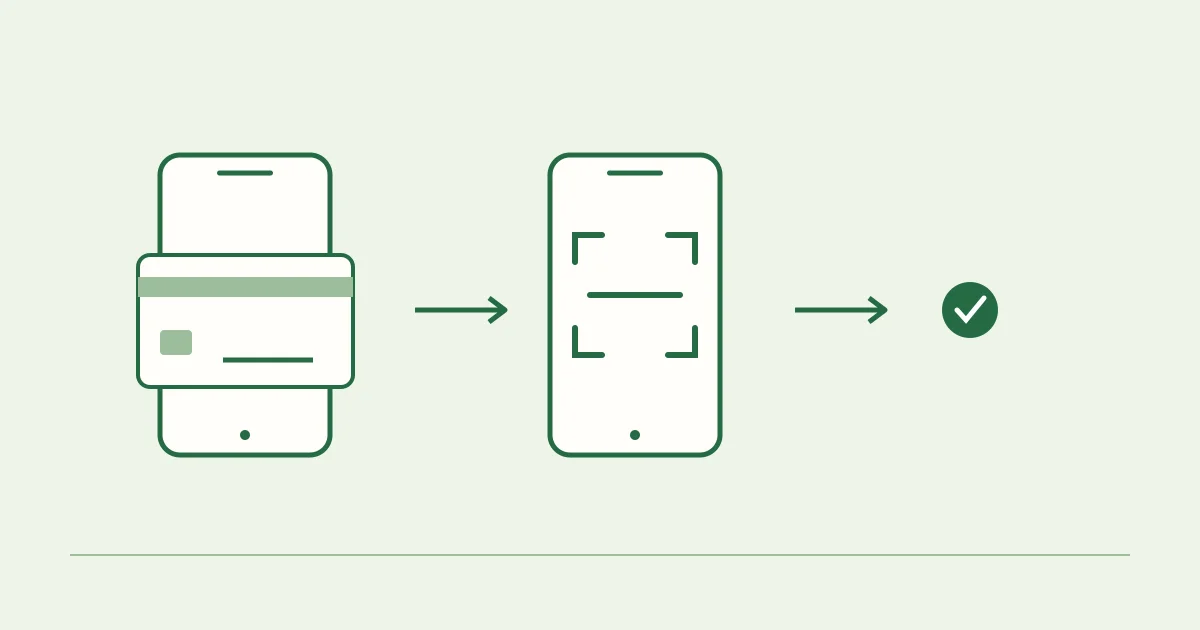
Preparing WeChat does not prepare Alipay automatically. Install the official Alipay app, complete the registration flow it shows and review its own card and identity requirements. Do not move verification codes or passwords between services.
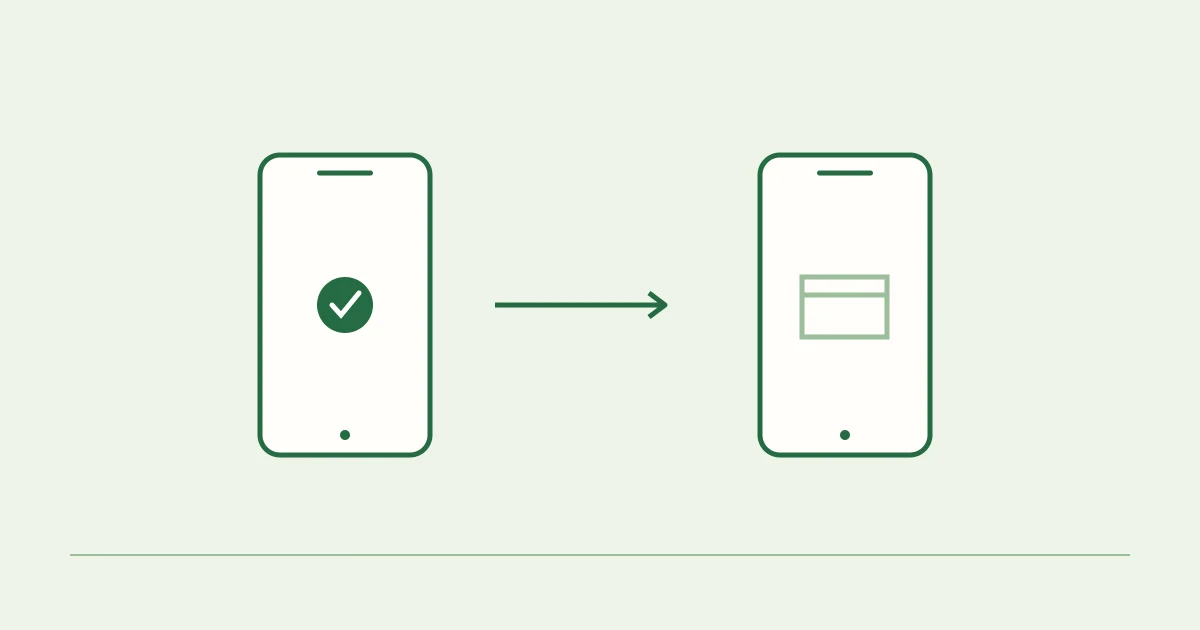
A backup is useful when you can actually open it. Check access on your travel phone before departure, including any issuer authentication needed to link a card.
Match the scanner to the receiving code
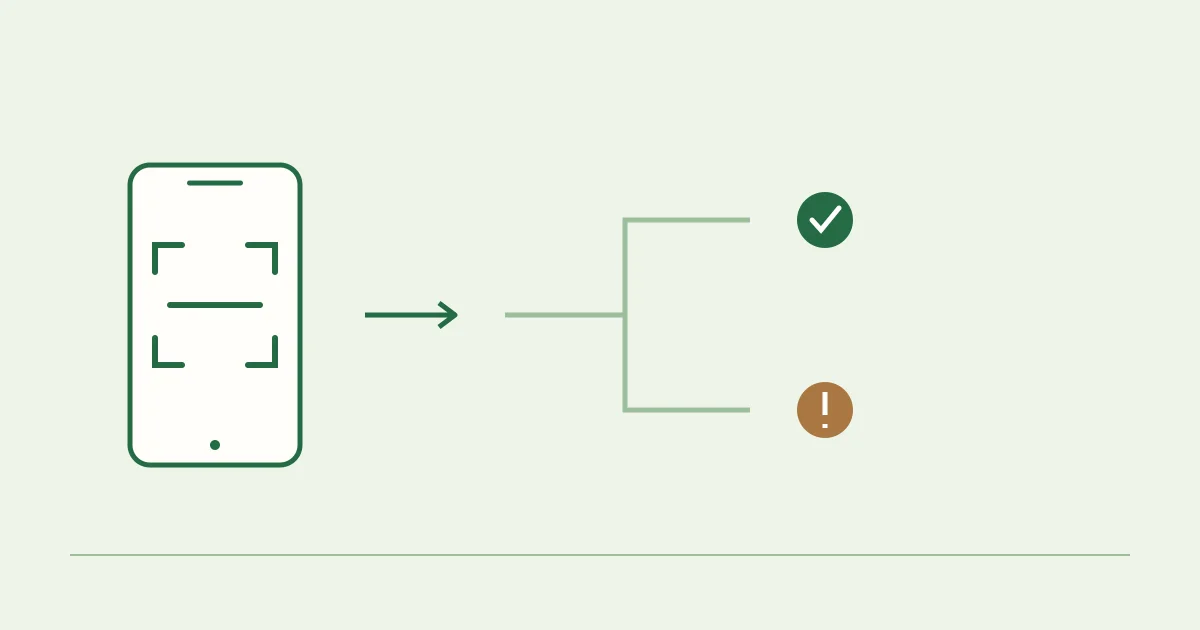
Use WeChat for a WeChat receiving image and Alipay for an Alipay image. On this site, changing the wallet changes the QR, recipient label and scanning instructions together. Check all three before proceeding.
If you saved several images, select the one for your intended wallet and amount. The confirmation screen inside the app is the last place to verify what you are about to approve.
A second app is only one part of a backup plan
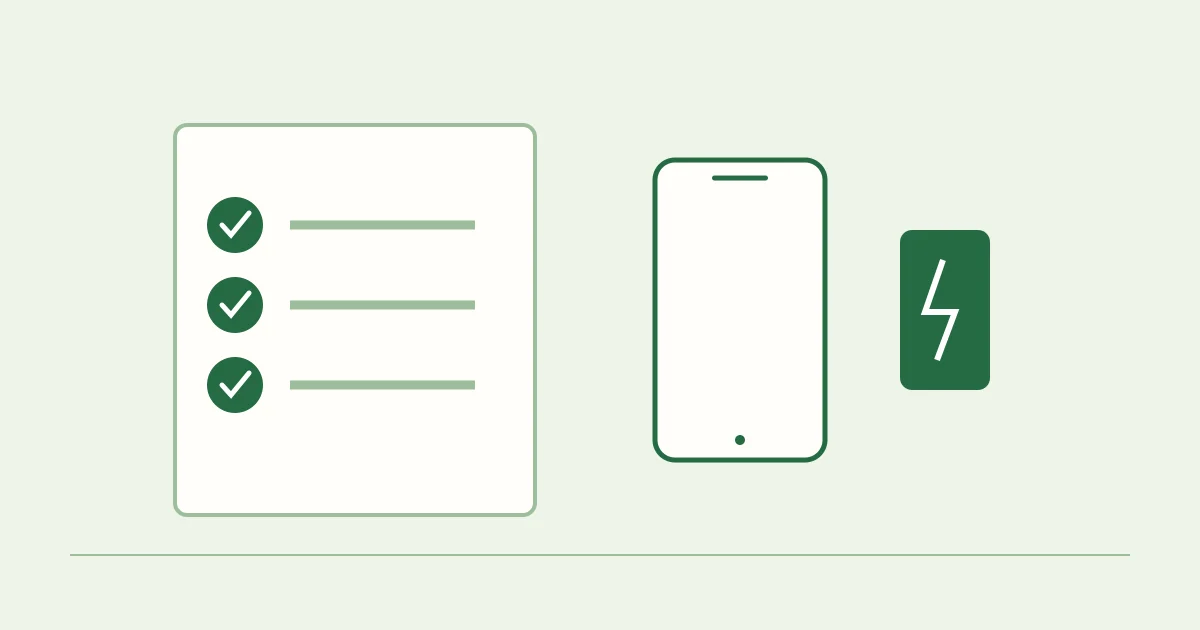
Both wallets may depend on the same card issuer, phone battery or mobile connection. If one of those fails, changing apps may not resolve the problem. Keep another practical option for your trip.
A successful WeChat transaction also says nothing definite about Alipay eligibility, and the reverse is true. Each app has its own transaction record and support route.
Use the secondary test only if useful
The Alipay option on Test My WeChat is another voluntary donation flow. It is not a required second step and does not unlock WeChat. Inspect the recipient and funding method independently.
For a deeper Alipay-focused preparation guide, visit our sister project, Test My Alipay. Both sites are run independently of the wallet providers.
Sources and editorial notes
Use the references below alongside the prompts in your current app. The instructions here describe preparation; your wallet and card issuer determine eligibility, charges and approval.
We do not certify accounts or claim results for every card. For a decision about your own transaction, consult its record and the provider responsible.